
🚀 Why Is My Website Loading Slowly? Common Reasons and Simple Solutions
Have you ever opened your website and waited for the page to load? If your website takes too long to open, you may be wondering, “Why is my website loading slowly?”
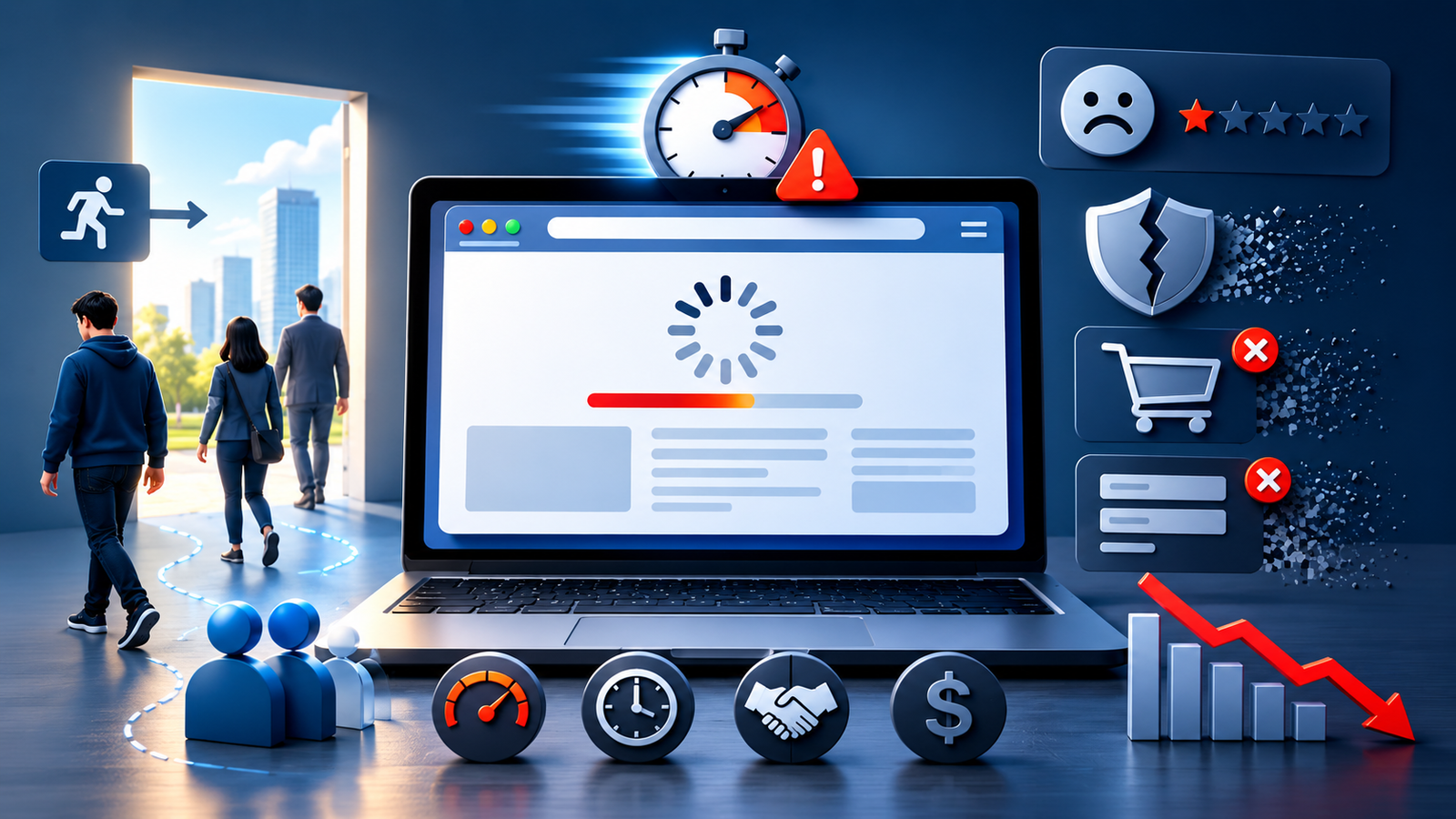
A slow website can be frustrating for visitors. People usually don't want to wait several seconds for a page to open. They may leave your website and visit another one instead.
The good news is that there are several common reasons why a website becomes slow, and many of them can be fixed.
Let's look at the most common reasons and what you can do about them.
Source: Medium
🌍 Why Is My Website Loading Slowly?
Your website can become slow for many reasons. Large images, slow hosting, too many plugins, unnecessary code, videos, and third-party tools can all affect loading speed.
Sometimes, the problem is not one thing. Several small issues can work together and make your website slower.
Here are some common reasons to check.
🖼️ 1. Your Images Are Too Large
Large images are one of the most common reasons for a slow website.
For example, you may upload a high-quality photo directly from your phone or camera. The image may look good, but the file could be much larger than your website needs.
What can you do?
- Compress your images before uploading them.
- Resize images to the size you actually need.
- Use modern formats such as WebP.
- Avoid using large images when a smaller one will work.
- Use lazy loading for images further down the page.
Smaller image files mean less data for the visitor's browser to load.
🖥️ 2. Your Hosting Is Slow
Your website needs a hosting server to work. When someone visits your website, the server sends your website's files to their browser.
If your hosting server is slow or doesn't have enough resources, your website can take longer to load.
If your website has been slow for a long time, check your hosting plan and server performance. Sometimes, changing to better hosting can make a noticeable difference.
🔌 3. You Have Too Many Plugins
If you have a WordPress website, you may be using plugins for different features.
Plugins can be very useful, but installing too many of them can sometimes slow down your website.
Check your plugins and remove the ones you don't need.
However, remember that the number of plugins is not the only factor. A single poorly built plugin can sometimes cause more problems than several well-optimized ones.
💻 4. Your Website Has Too Much Code
Your website uses CSS and JavaScript to control its design and features.
Things like sliders, animations, pop-ups, menus, forms, and other features may require extra code.
If your website loads too much unnecessary code, it can take longer to become ready.
Removing unnecessary code and improving how files are loaded can help make your website faster.
📂 5. Your Website Has Too Many Files to Load
Every image, font, CSS file, JavaScript file, video, and other resource takes some time to load.
If a page has too many of these resources, the browser has more work to do.
For example, a homepage with 30 large images and several videos will usually require more resources than a simple page with a few optimized images.
Keeping your pages clean and avoiding unnecessary elements can help.
⚡ 6. Your Website Does Not Have Proper Caching
Caching helps your website load certain files faster for visitors.
In simple terms, caching allows a copy of some website information to be stored temporarily. When the visitor comes back, the browser may not need to download everything again.
Proper caching can help improve website loading speed and reduce unnecessary work for your server.
🌐 7. Too Many External Tools Are Being Used
Many websites use external tools such as:
- Google Analytics
- Live chat
- Social media feeds
- Maps
- Advertising tools
- Marketing tools
These tools can be useful, but they can also add extra files that your website needs to load.
You don't have to remove every external tool. Instead, check which ones you really need and remove anything that isn't useful.
📱 8. Your Website Is Not Optimized for Mobile
Many people visit websites using their smartphones.
A website that loads quickly on a desktop may feel much slower on a mobile phone.
Large images, heavy animations, videos, and unnecessary features can make mobile pages especially slow.
Make sure your website is mobile-friendly and properly optimized for smaller screens.
🗄️ 9. Your Website Database Needs Cleaning
If you have a WordPress or other database-driven website, unnecessary data can build up over time.
For example, your website may store old revisions, spam comments, temporary data, and other information that you no longer need.
Cleaning unnecessary database data can help keep your website organized and running efficiently.
Always take a backup before making database changes.
🎥 10. Your Website Has Too Many Videos or Animations
Videos and animations can make a website look attractive, but they can also make pages heavier.
A large background video, several autoplay videos, or too many animations can increase the amount of data your browser needs to load.
Use these features only where they add real value to the page.
🔍 How Can I Check My Website Speed?
If you think your website is slow, don't guess. Test it first.
You can use tools such as:
- Google PageSpeed Insights
- GTmetrix
- Google Lighthouse
These tools can show you which parts of your website may be slowing it down.
You don't need to understand every technical detail in the report. Focus on the main problems that have the biggest effect on your website.
🚀 How Can I Make My Website Load Faster?
There are several simple things you can do to improve your website speed:
Compress Your Images
Large images can take a long time to load. Compressing them can reduce their file size.
Remove Unnecessary Plugins
If you are using WordPress, remove plugins that you don't need.
Improve Your Hosting
If your server is slow, website optimization may not be enough. A better hosting plan may be needed.
Enable Caching
Proper caching can help your pages load faster for visitors.
Reduce Unnecessary Features
Remove features, animations, scripts, and other elements that don't provide much value.
Make Your Website Mobile-Friendly
Test your website on smartphones and make sure pages load properly without unnecessary elements.
📈 Does Website Speed Affect SEO?
Website speed is important for both visitors and SEO.
A slow website can create a poor user experience. People may leave before reading your content or contacting your business.
Google also considers page experience and performance-related signals when evaluating websites. However, website speed alone does not guarantee higher Google rankings.
Good SEO also depends on useful content, relevant keywords, technical SEO, mobile usability, links, website structure, and many other factors.
This is why website speed optimization should be part of your overall SEO strategy.
📊 What Are Core Web Vitals?
You may see Core Web Vitals when checking your website performance.
They are Google's key metrics for understanding parts of the user experience.
They look at things such as:
- How quickly the main content loads
- How quickly the website responds when someone interacts with it
- Whether elements move around while the page is loading
You don't need to be a developer to understand the basic idea: your website should load properly, respond quickly, and remain stable while visitors use it.
👨💻 When Should You Get Professional Help?
Sometimes, simple changes aren't enough.
If you have optimized your images, removed unnecessary plugins, and checked your hosting but your website is still slow, there may be a deeper technical problem.
A professional web development company in Kolkata can check your website and find the main reason behind the slow loading.
At Design Global Technology, we focus on building fast, responsive, SEO-friendly websites that are designed with both users and business goals in mind.
❓ Frequently Asked Questions
Why is my website loading slowly?
Your website may be slow because of large images, slow hosting, too many plugins, unnecessary code, videos, external tools, or poor caching.
How can I make my website faster?
Start by compressing images, removing unnecessary plugins, enabling caching, checking your hosting, and reducing unnecessary website features.
Why is my WordPress website slow?
Large images, plugins, themes, hosting, database issues, and excessive code can all make a WordPress website slow.
Does website speed affect SEO?
Yes, website performance is an important part of user experience and can support your overall SEO efforts. However, speed alone does not guarantee higher rankings.
How do I check my website loading speed?
You can use Google PageSpeed Insights, GTmetrix, or Google Lighthouse to check your website performance.
Why is my website fast on a computer but slow on mobile?
Mobile phones may use slower networks and have fewer resources than computers. Large images, videos, and heavy website features can therefore make your website feel slower on mobile.
🧾 Conclusion
If you are asking “Why is my website loading slowly?”, start by checking the basics.
Look at your images, hosting, plugins, caching, website code, videos, and mobile performance. In many cases, fixing a few of these issues can make your website noticeably faster.
Remember, a fast website isn't only about getting a good speed score. It is about making it easier for visitors to open your pages, find information, and take action.
If your website is still slow after basic optimization, a professional website performance audit can help identify the problem and show you what needs to be improved.
🚀 Is Your Website Loading Slowly?
Let Design Global Technology help you build a faster, smoother, and SEO-friendly website.
📲 Contact Now